
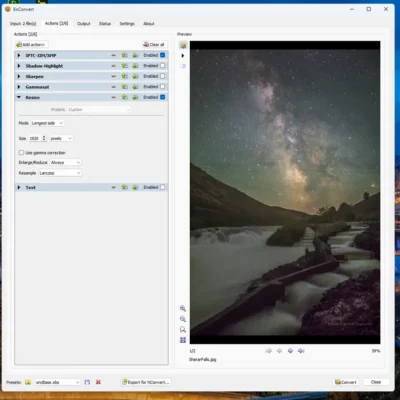
XnConvert is a great tool for resizing and converting images in one go. You can set up scripts by simply saving your settings to reload at a later time to get the same output.
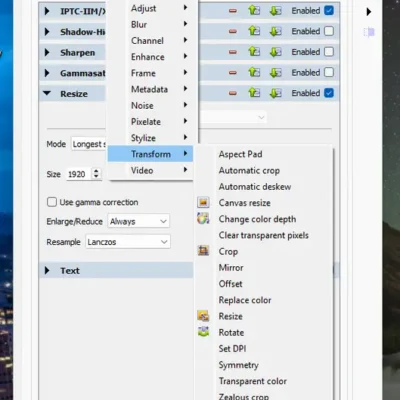
XnConvert is a fast, powerful and free cross-platform batch image converter. It allows to automate editing of your photo collections: you can rotate, convert and compress your images, photos and pictures easily, and apply over 80 actions (like resize, crop, color adjustments, filter, …). All common picture and graphics formats are supported (JPEG, TIFF, PNG, GIF, WebP, PSD, JPEG2000, JPEG-XL, OpenEXR, camera RAW, AVIF, HEIC, HEIF, PDF, DNG, CR2). You can save and re-use your presets for another batch image conversion.
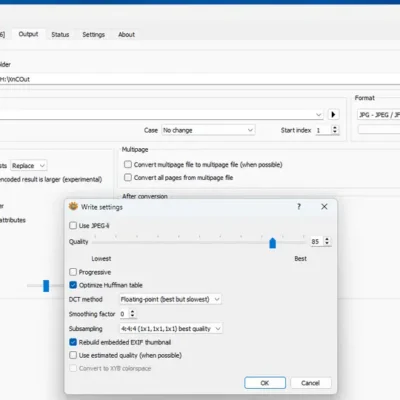
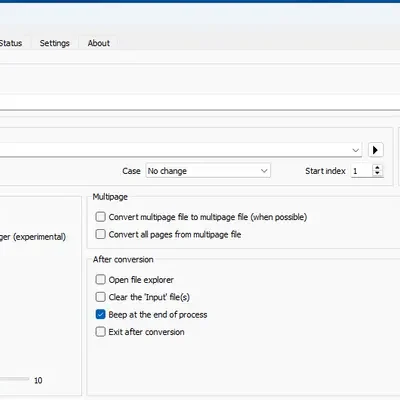
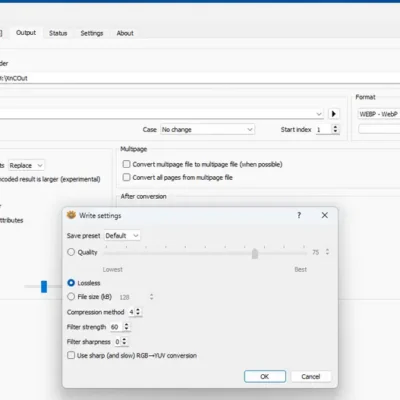
The interface is intuitive with a drag and drop, left to right flow. The desktop version has way more image adjustments than the mobile version. You can set it up to automatically save your actions as a preset and to automatically load the last used preset as the starting point for the current batch. One note of caution, on the output tab I’ve had the radio button switch to the sorce folder, putting the converted files where the originals were, not the desired output folder. Easy to overlook.
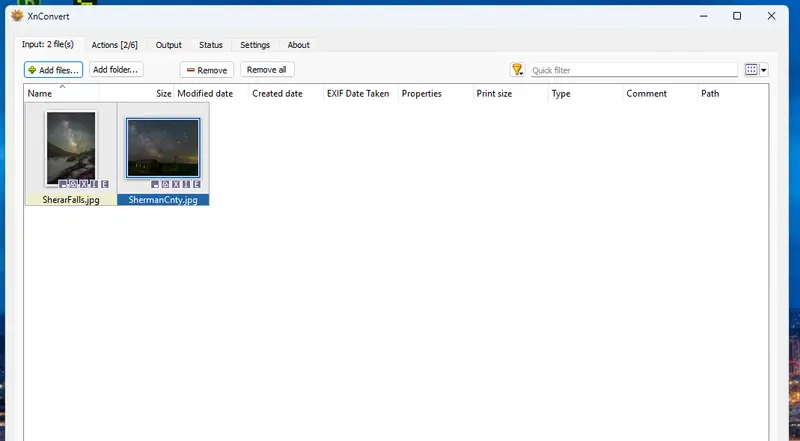
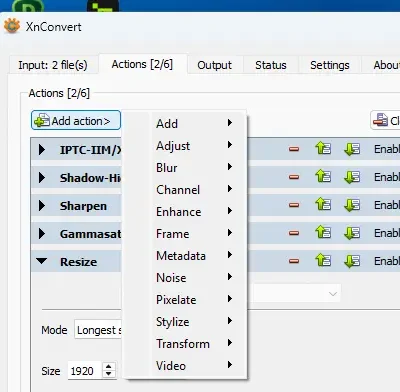
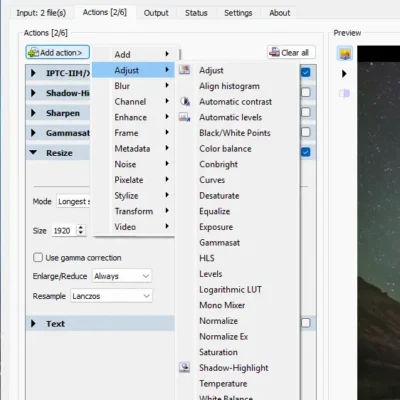
I see this as being a regularly used tool in my camera to website pipline.
Leave a Reply