
In the digital age, a photographer’s website is their most important gallery. However, it presents a constant dilemma: how do you showcase high-resolution work without slowing down your site or making it too easy for others to steal your images?
For years, the JPEG was the only option. In 2026, the strategic choice for professionals is WebP.
WebP (pronounced “weppy”) isn’t just a technical upgrade—it is a specialized “delivery format” that offers a unique combination of visual excellence, lightning-fast performance, and a surprising layer of protection for your creative assets.
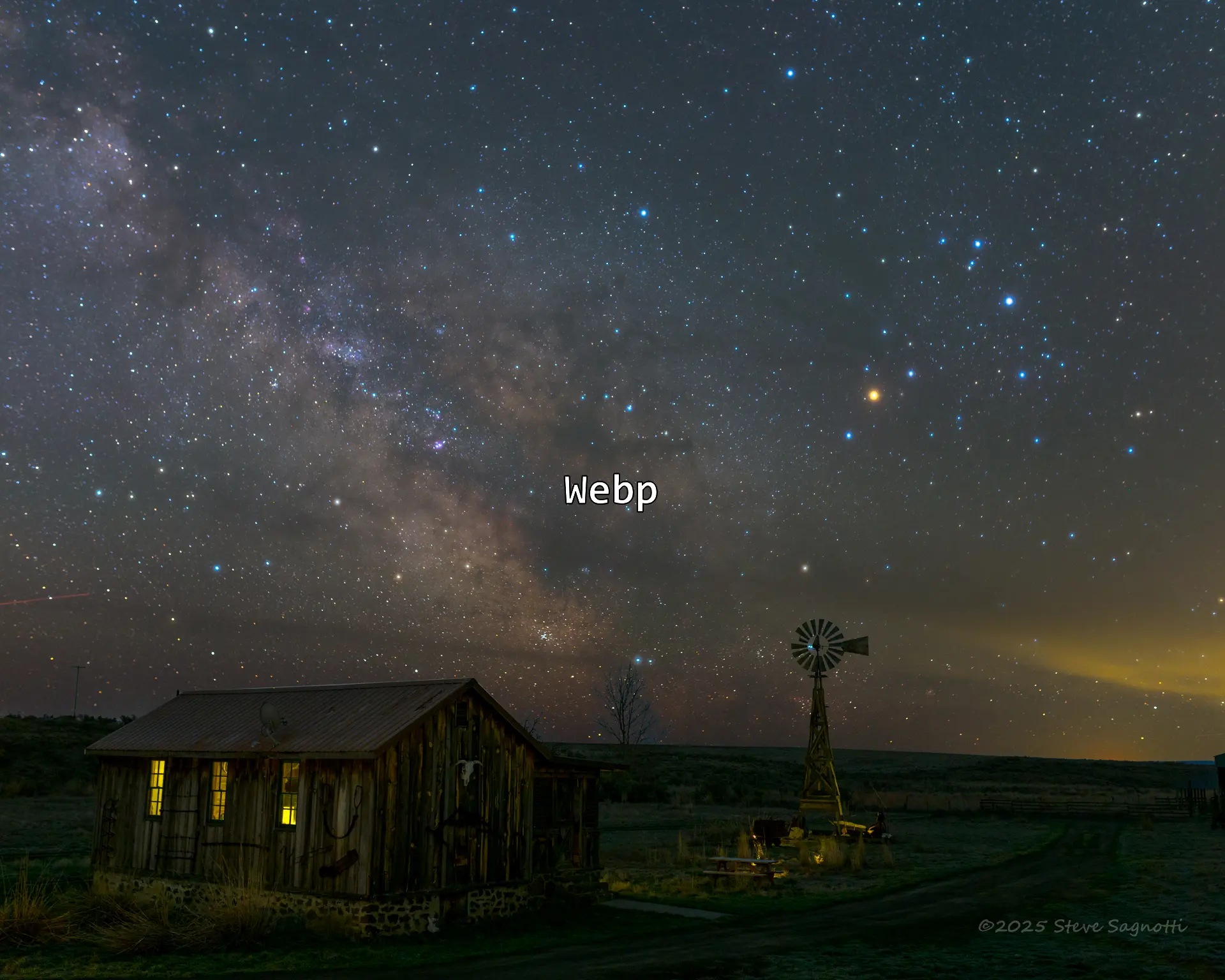
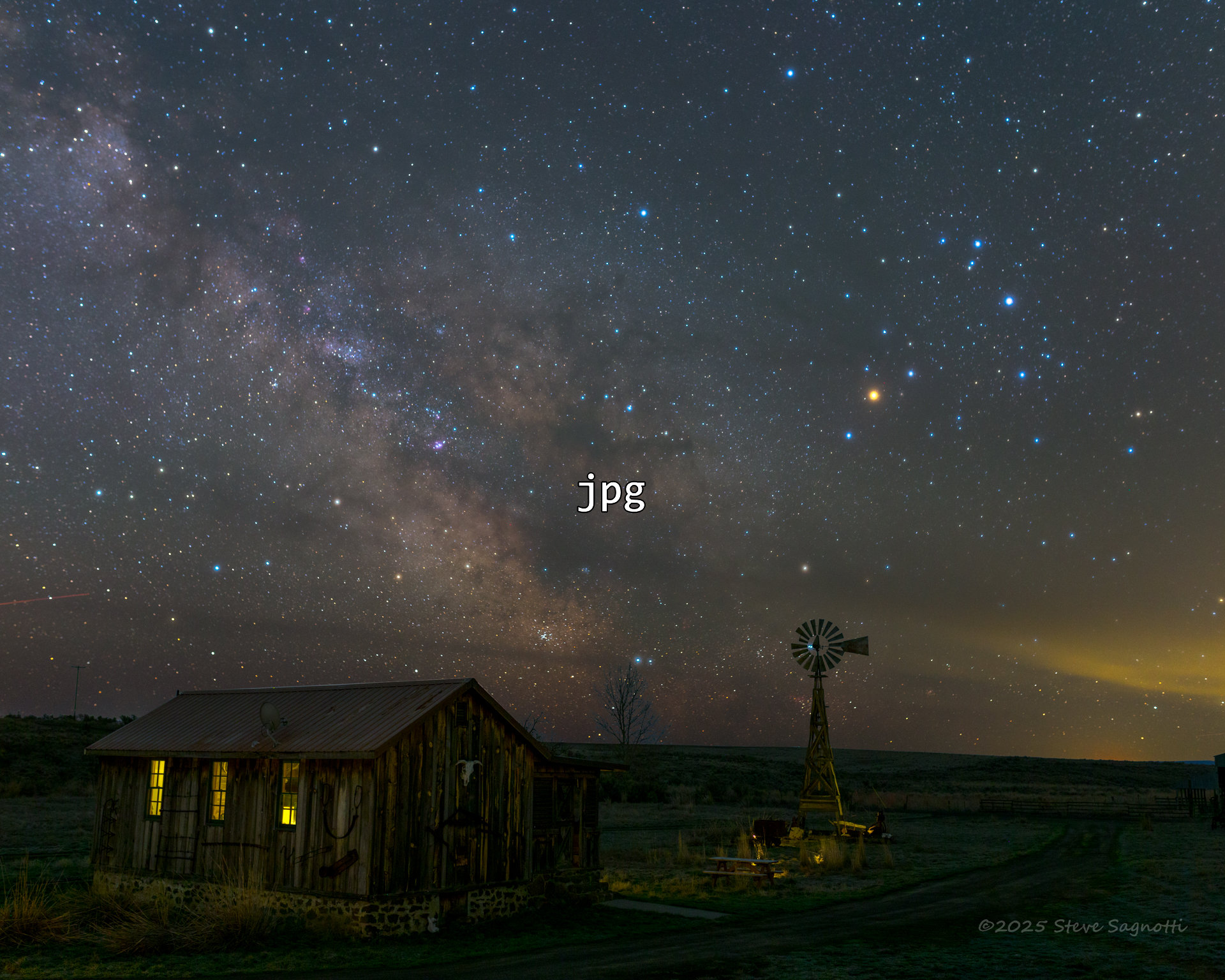
1. Visual Superiority Without the “Heavy” Lifting
The biggest misconception among creatives is that smaller file sizes mean lower quality. Because WebP uses advanced predictive coding (derived from professional video codecs), it handles gradients and fine details more efficiently than the aging JPEG standard.
- The Result: WebP images are typically 25% to 34% smaller than JPEGs of the exact same visual quality.
- The Strategic Benefit: Your portfolio can display crisp, full-width hero images that load instantly, even on mobile devices. This keeps potential clients on your page rather than losing them to a slow-loading “spinner.”
2. The “Format Friction” Factor: Deterring Image Theft
One of the most valuable “side benefits” for photographers is how WebP handles unauthorized use. While it isn’t a locked vault, it creates Format Friction that discourages casual scrapers and thieves.
The “Dead-End” Delivery Format
In a professional workflow, you have your Source Files (RAW, TIFF) and your Exchange Files (JPEG). WebP should be viewed as your Delivery Format—the “shrink-wrapped” version of your work.
- Generation Loss: WebP is designed for viewing, not re-editing. If a thief “right-clicks and saves” your WebP file and attempts to open it in an older editor or re-save it as a JPEG, they encounter significant Generation Loss. The image quickly develops artifacts and color banding, making it useless for high-quality re-publishing or professional use.
- Ecosystem Resistance: While browsers love WebP, many legacy print-shop workflows and older design suites still do not support it natively. This creates a technical hurdle; a casual thief will often give up and look for an easier-to-use JPEG on a competitor’s site.
- Print Deterrent: WebP is optimized for screens (RGB). It lacks the deep metadata and CMYK structure required for high-end physical printing. It allows you to show the beauty of your work online while making the file technically “hollow” for someone trying to print it without your permission.
3. Dominating the SEO Landscape
Google created WebP, and Google rewards those who use it. Search engine rankings are now heavily influenced by Core Web Vitals.
By serving WebP, you satisfy the “Next-Gen Image Format” requirement, giving your portfolio a significant ranking boost over competitors who are still serving heavy, legacy files. For a photographer, this is the difference between being on page one or page ten of search results.
Comparison for the Creative Professional
| Strategic Factor | Legacy JPEG | Modern WebP |
|---|---|---|
| Site Loading Speed | Slow / Heavy | Ultra-Fast / Light |
| Visual Fidelity | Standard | High-Efficiency |
| Transparency (Alpha) | No | Yes |
| Theft Deterrence | Low (Easy to edit/print) | Moderate (Format Friction) |
| Search Engine Rank | Neutral | Positive Boost |
The Strategic Verdict: Protect the Craft
WebP allows you to showcase your best work in high definition without giving away the “keys to the kingdom.” By serving WebP on your front-end, you provide a world-class viewing experience while ensuring that your high-resolution “Master JPEGs” and RAW files remain safely in your private archives.
You aren’t just optimizing your images; you are strategically protecting your digital intellectual property.
The two comparison images were produced from the same full resolution image ~4k x 6k. I used XnConvert to resize and generate a .jpg and a webP to use here.
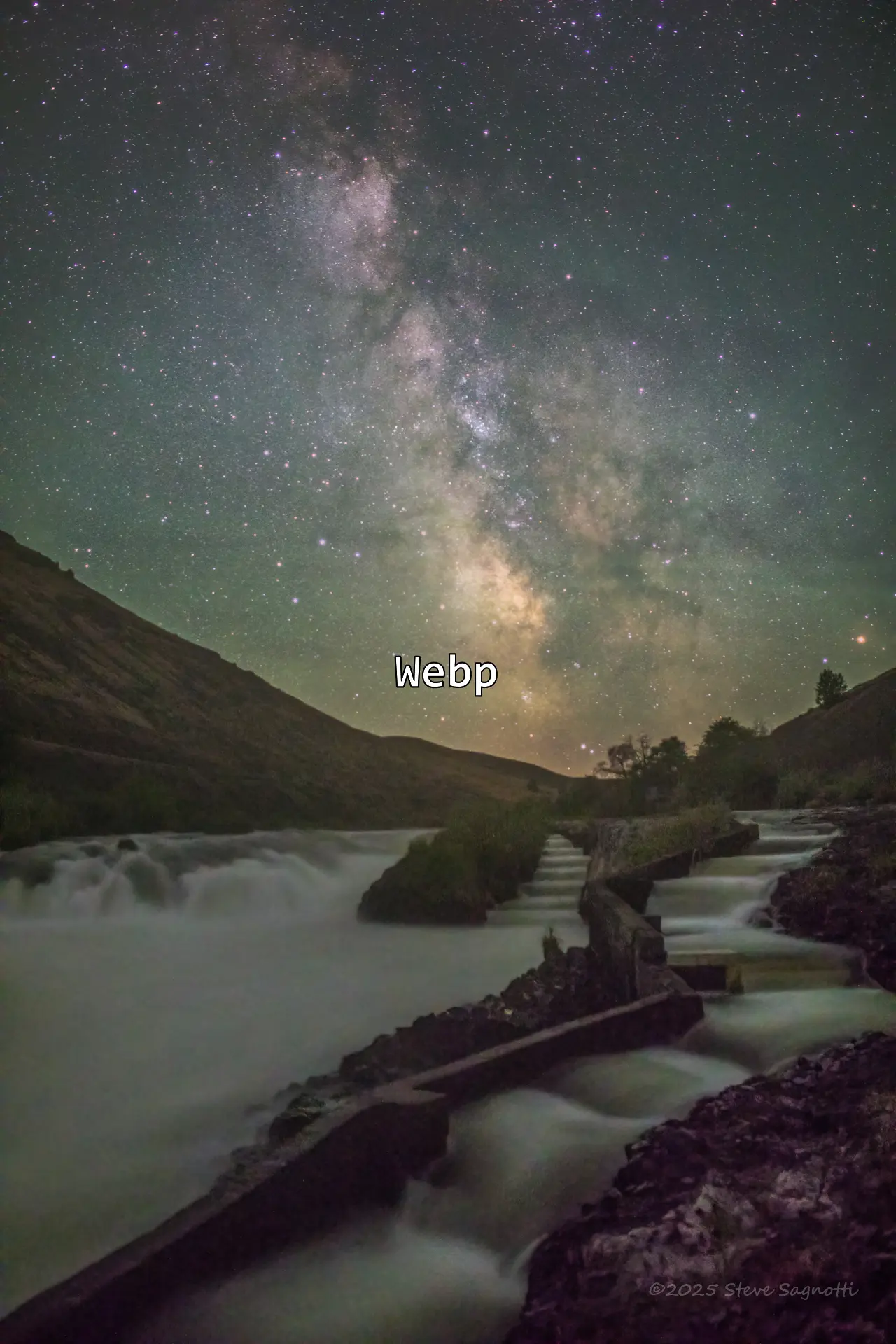
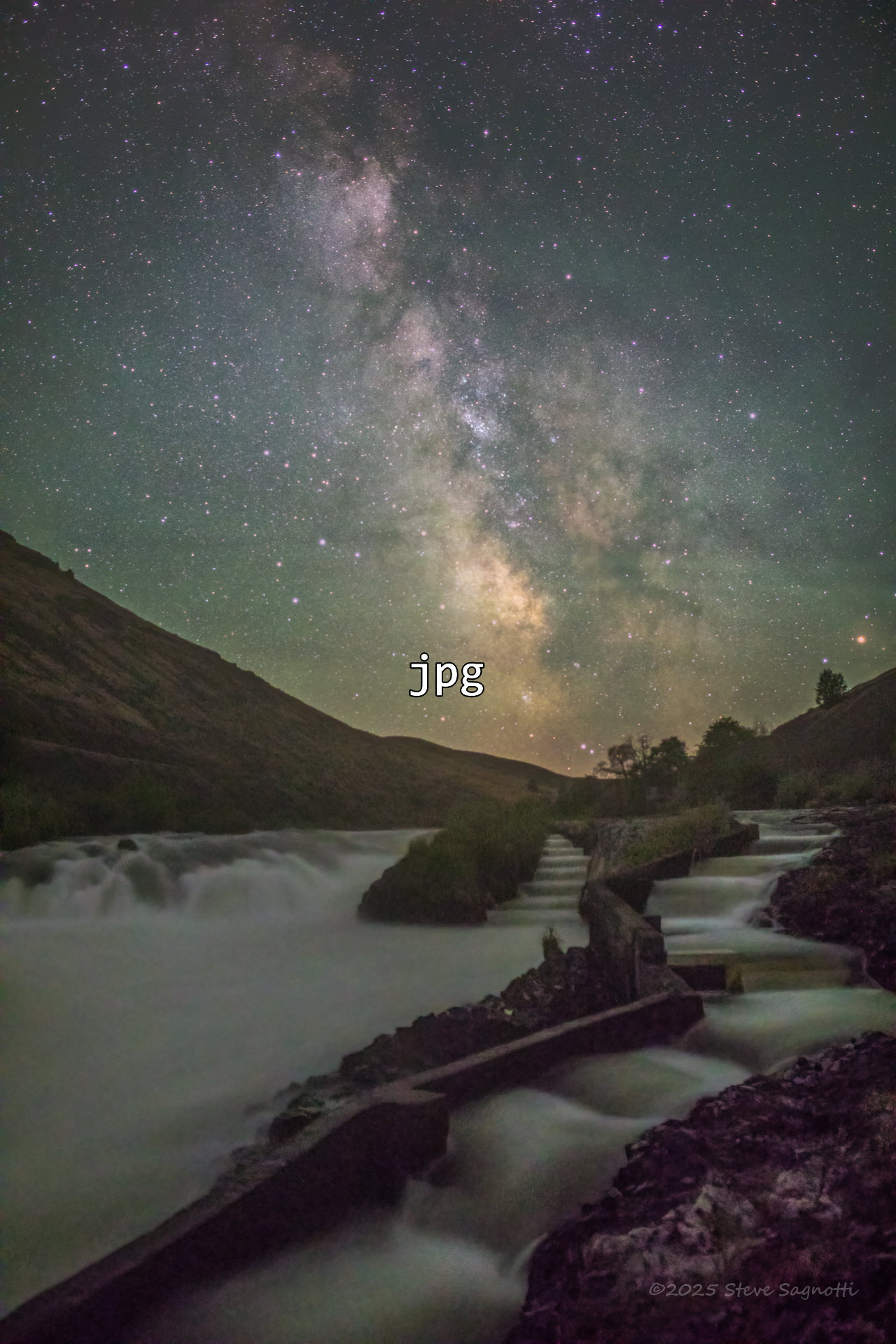
PS: I have been using AI (Gemini 3) heavily the past few months. One of my questions was about improving page load times (shorter/less time), that’s when it mentioned webP. I had it educate me a bit, then produce and article (the above). It also told me about XnConvert, among a few others, to do the conversion & resize. That meant I needed to do a side by side comparison. I’ve seen those on the internet so asked AI. it quickly generated some code, that after a few turns back and forth is the comparison widget you used above.
Leave a Reply