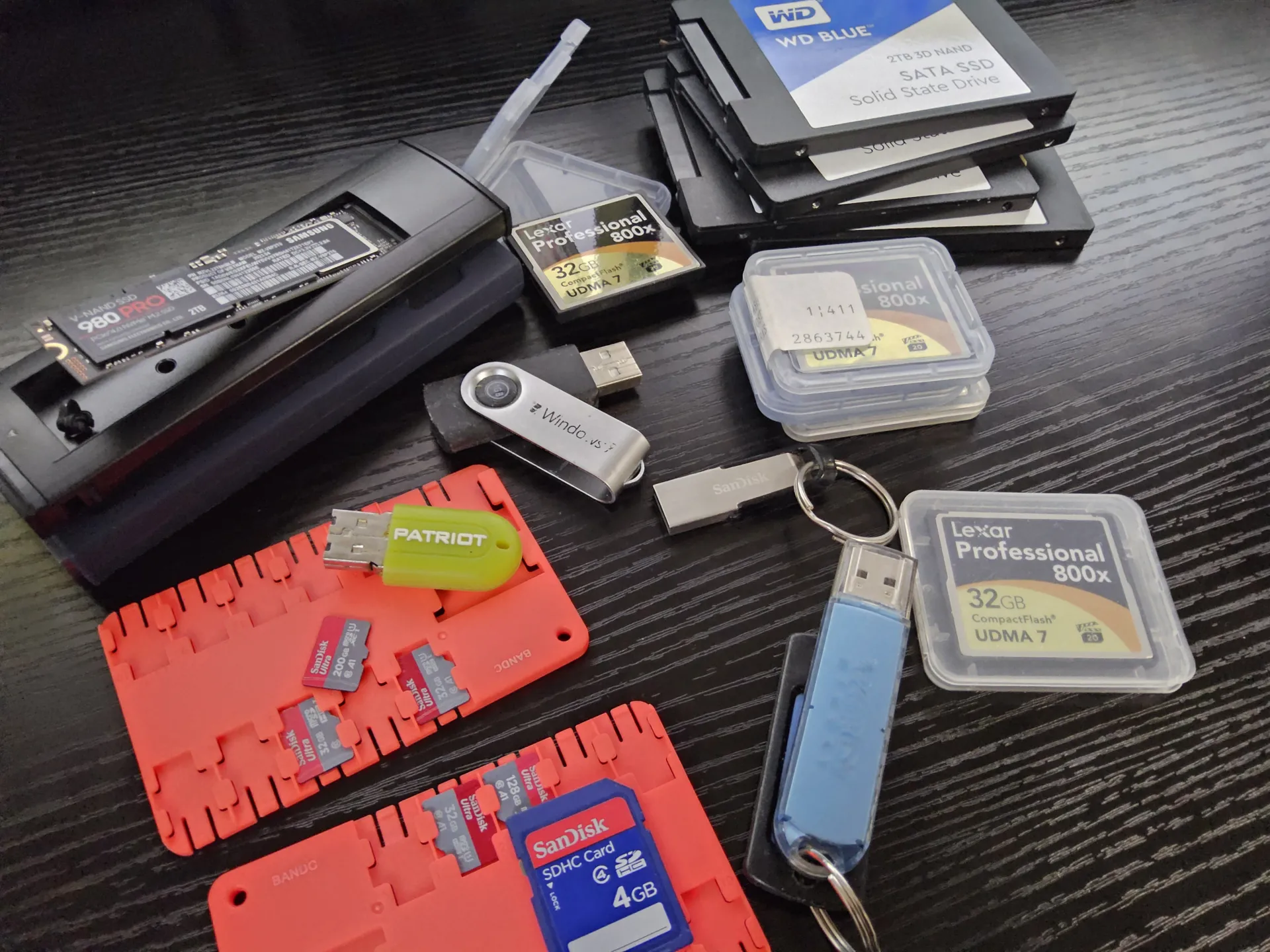
Why Your Digital Memories and Devices Can “Expire”
From memory cards to thumb drives to SSDs and beyond, they all use NAND memory. Computers work with 1s and and 0s, high or low, on or off. NAND devices store a small electrical to designate a 1, lack of charge is a 0. Without power the tiny electrical charge can slowly drain away; the 1 becomes a 0; this is bit rot. The better the quality of the device the longer it can hold a charge, the more the device is cycled the less the charge will last.
Most people assume that if you save a photo to a thumb drive or an SSD, it stays there forever like a groove on a vinyl record. In reality, digital storage is more like a leaky bucket.
The “Leaky Bucket”: How NAND Works
Modern storage (NAND flash) works by trapping electrons inside tiny microscopic “rooms.”
The “Leak” (Bit Rot): These rooms aren’t perfectly sealed. Over time, electrons slowly leak out. If too many escape, the device can no longer tell if a “1” or a “0” was stored. This is called Bit Rot.
The Controller (The Guard): Every drive has a tiny “brain” called a Controller. Its job is to watch for these leaks and use Error Correction—a mathematical “guessing game”—to fix flipped bits before you even notice.
Quality Matters: Not All Storage is Equal
The quality of your device determines how fast the bucket leaks and how good the “guard” is:
High-End (SSDs/NVMe): These have sophisticated brains that are excellent at catching errors and moving data to “safer rooms” before it disappears.
Low-End (Thumb Drives/SD Cards): These use cheaper parts with “thinner walls” and very simple brains. They leak faster and are much more likely to lose data if left in a drawer for years.
The “Shelf Life” of a Dead Battery
A flash drive is not a permanent archive; it is a temporary one.
The “Top Off”: When you plug a drive into a computer, the controller performs “Background Scrubbing.” It identifies weak “rooms” and refills them with fresh electrons. This tops off the charge, essentially resetting the clock on Bit Rot.
Unpowered Risks: If a device is left unpowered for years—or even just months for a heavily used, lower-quality drive—the charge can drop so low that the data becomes unrecoverable.
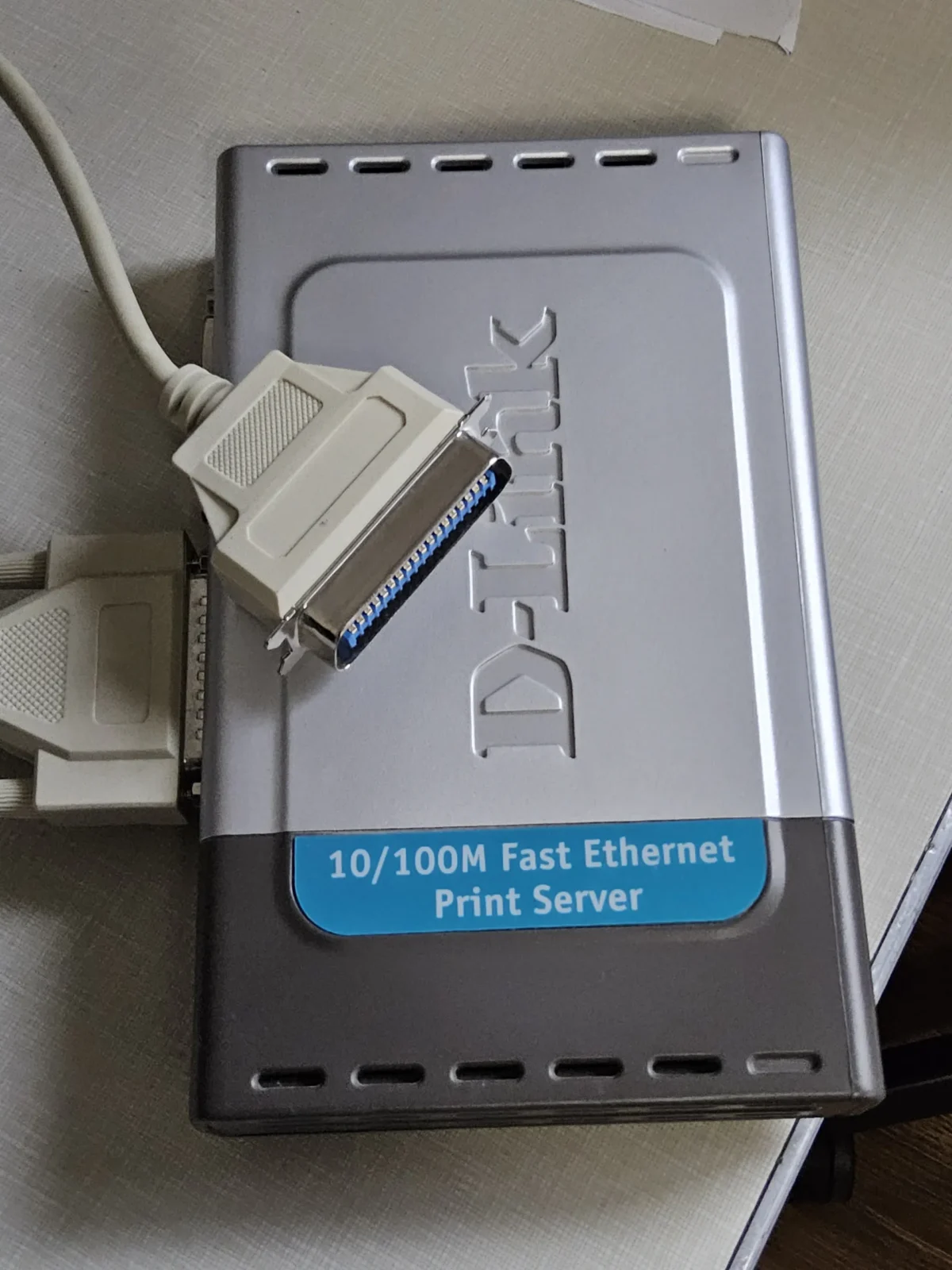
The Printer got bit
our recent water damage and remodel caused a different kind of bit rot with a D-Link DPU-300 print server highlights a related danger for old tech. After 20 years of being powered on, a 10-week stint in storage turned this once-reliable device into a “toaster”—it gets warm when plugged in, but it’s “brain dead.”
Why did it fail?
Chemical Aging: Just like the electrons in a flash drive, the chemicals inside electronic “capacitors” (which manage power) dry out over time.
The Cold Start: After being “settled” for months, the shock of new power likely caused these aged components to fail.
The Lesson: While digital storage needs power to keep its data alive, old hardware often needs power to keep its physical components from seizing up. If you have “old faithful” tech, leaving it unplugged for a long duration is often the final straw that prevents it from ever waking up again.
Leave a Reply